Description
Showcase Video:
Installation Video:
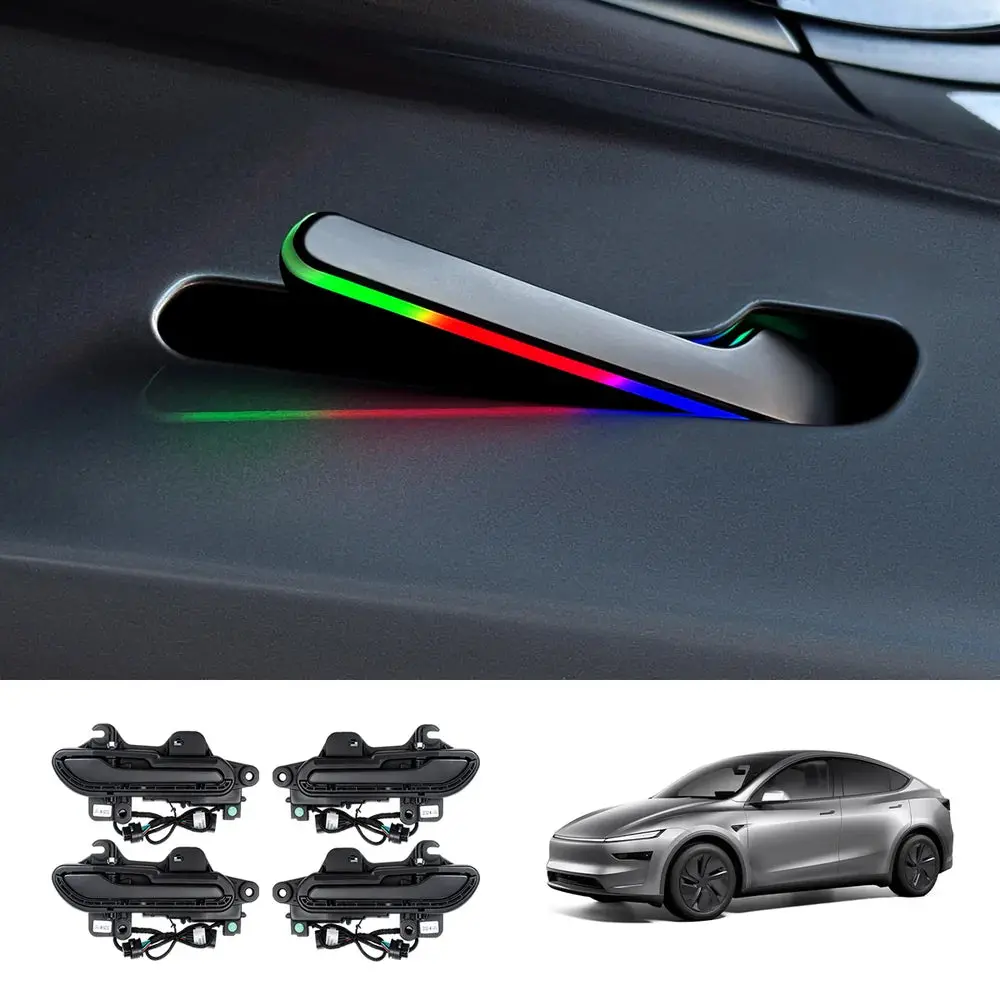
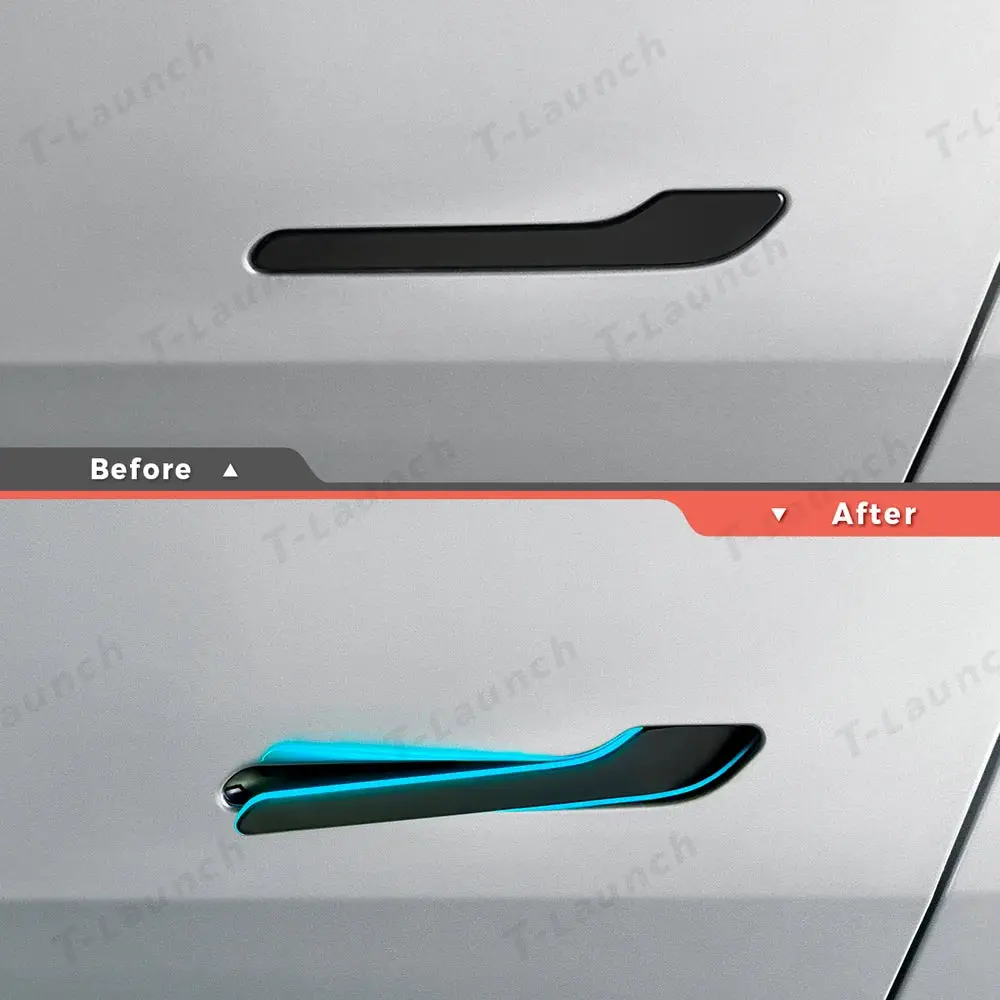
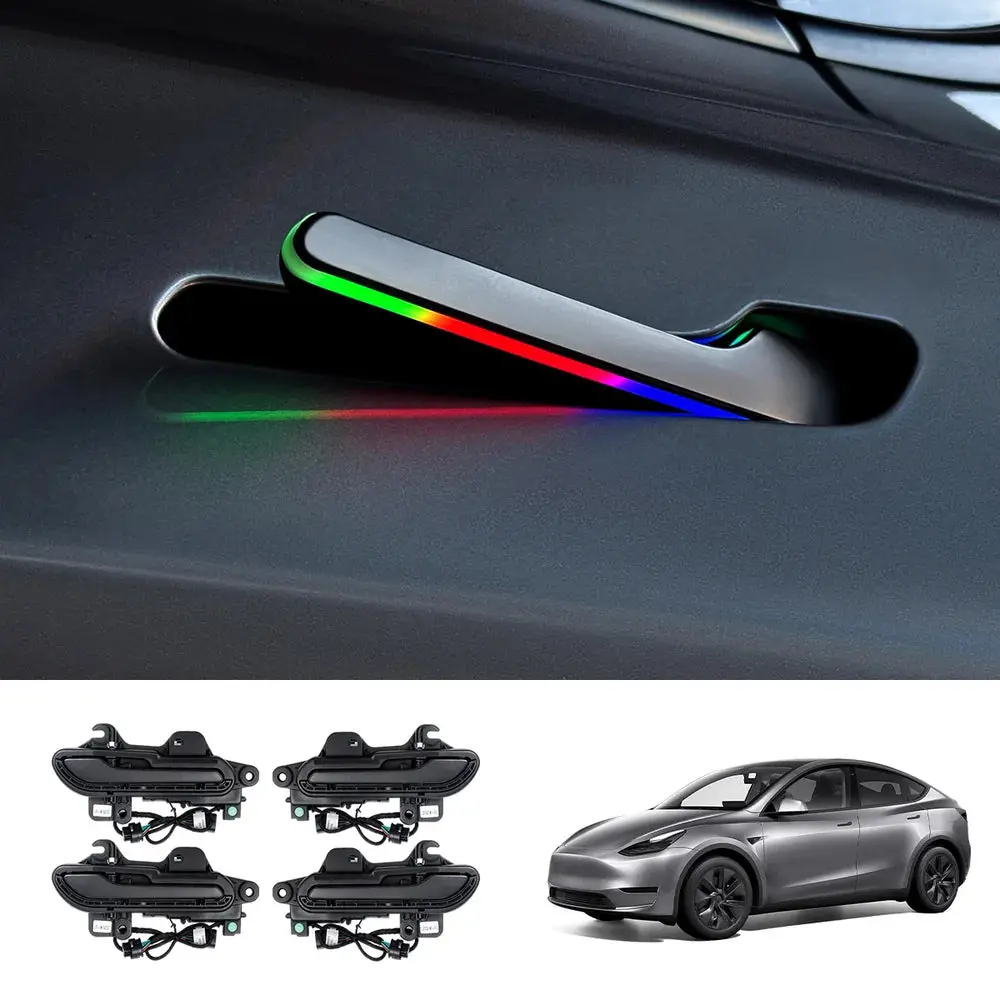
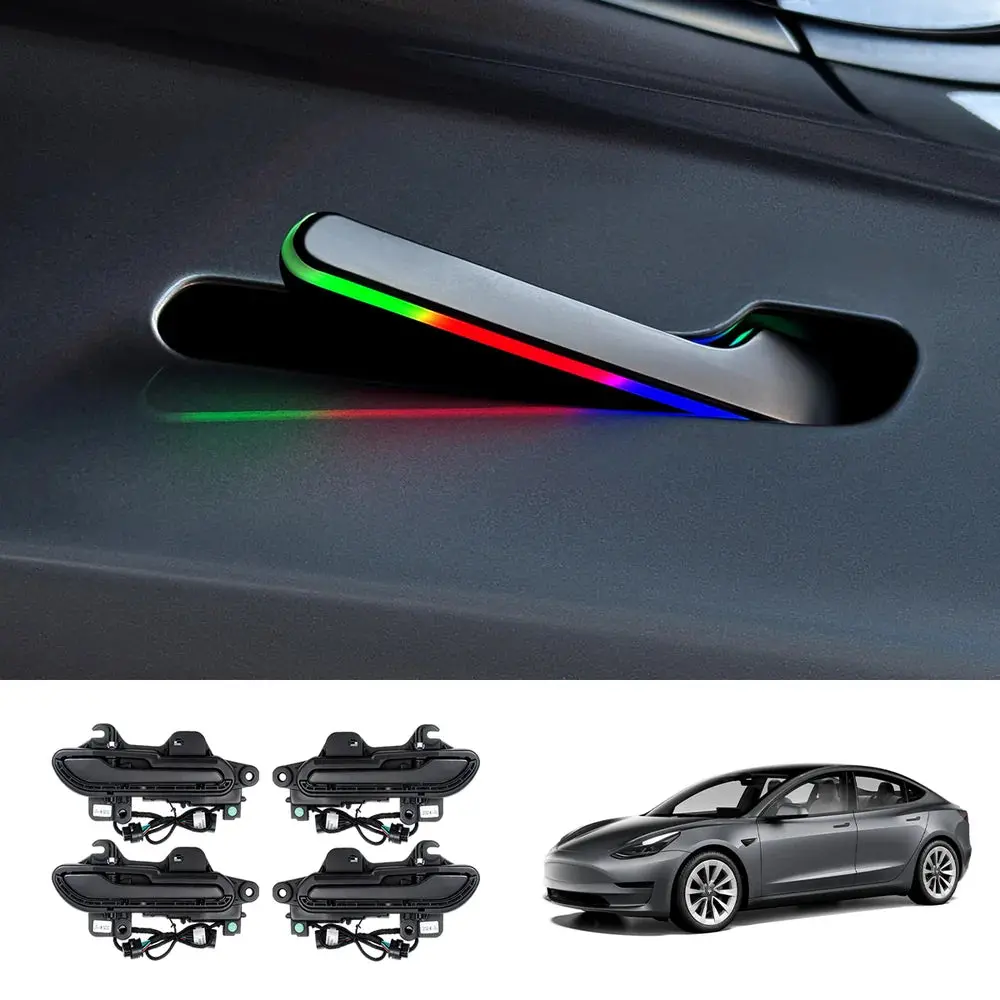
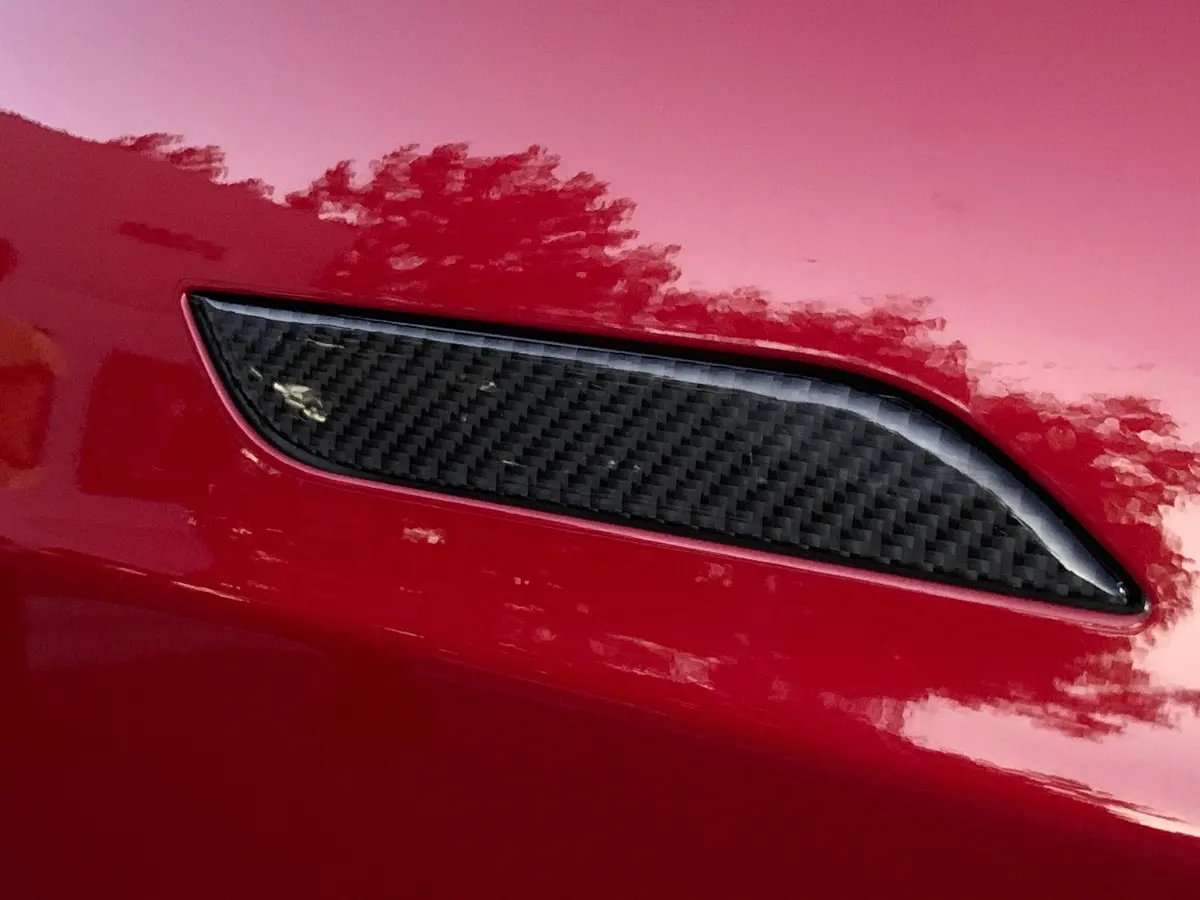
Upgrade your Tesla with a smoother, smarter, and more convenient entry experience. This Wireless Auto Door Handle Kit blends seamlessly with your Model 3/Y, enhancing daily access with automatic opening, wireless control, and vibrant LED lighting—while keeping your vehicle’s original structure completely intact.

Features:
- Multiple Unlocking Methods: Enjoy flexible access with six unlocking modes that adapt to any situation: Phone Unlock, Approach Auto Pop-Out, Touch to Unlock, Key Card Unlock, In-Car Unlock (P / Screen), and Key Fob Unlock.
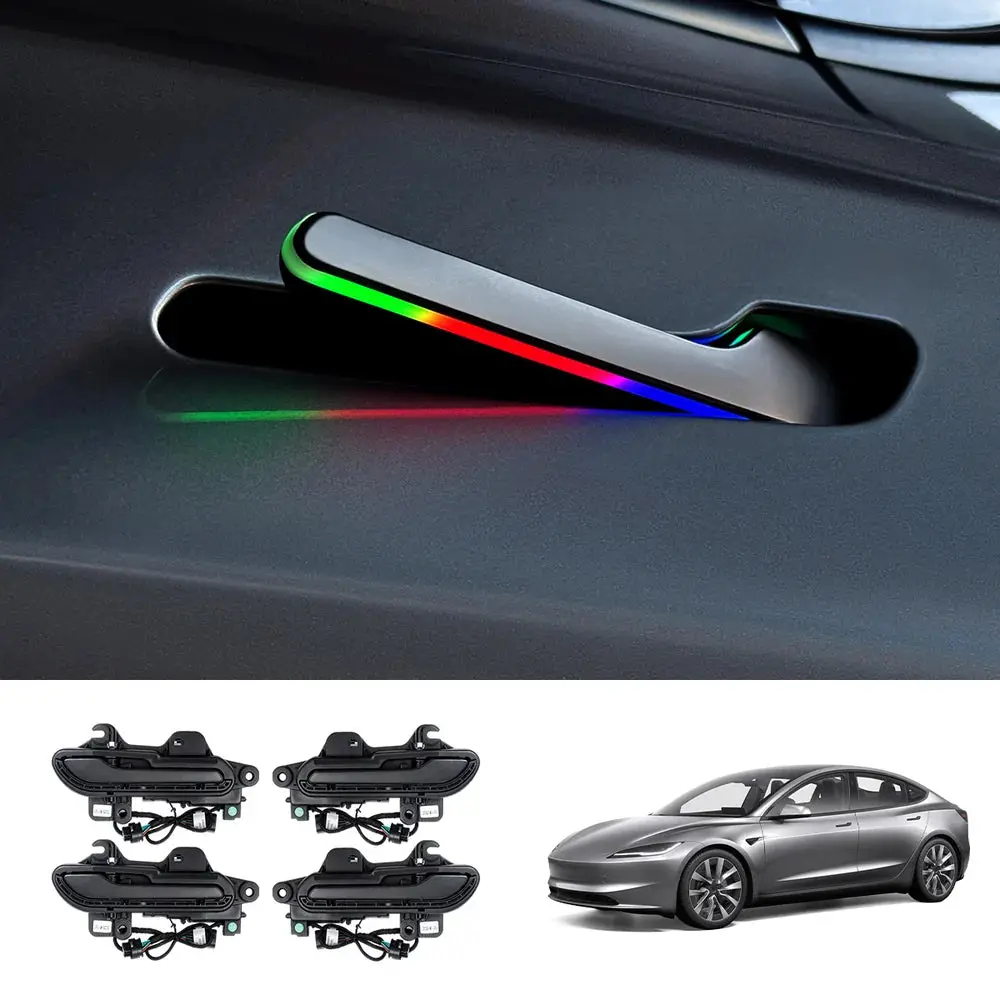
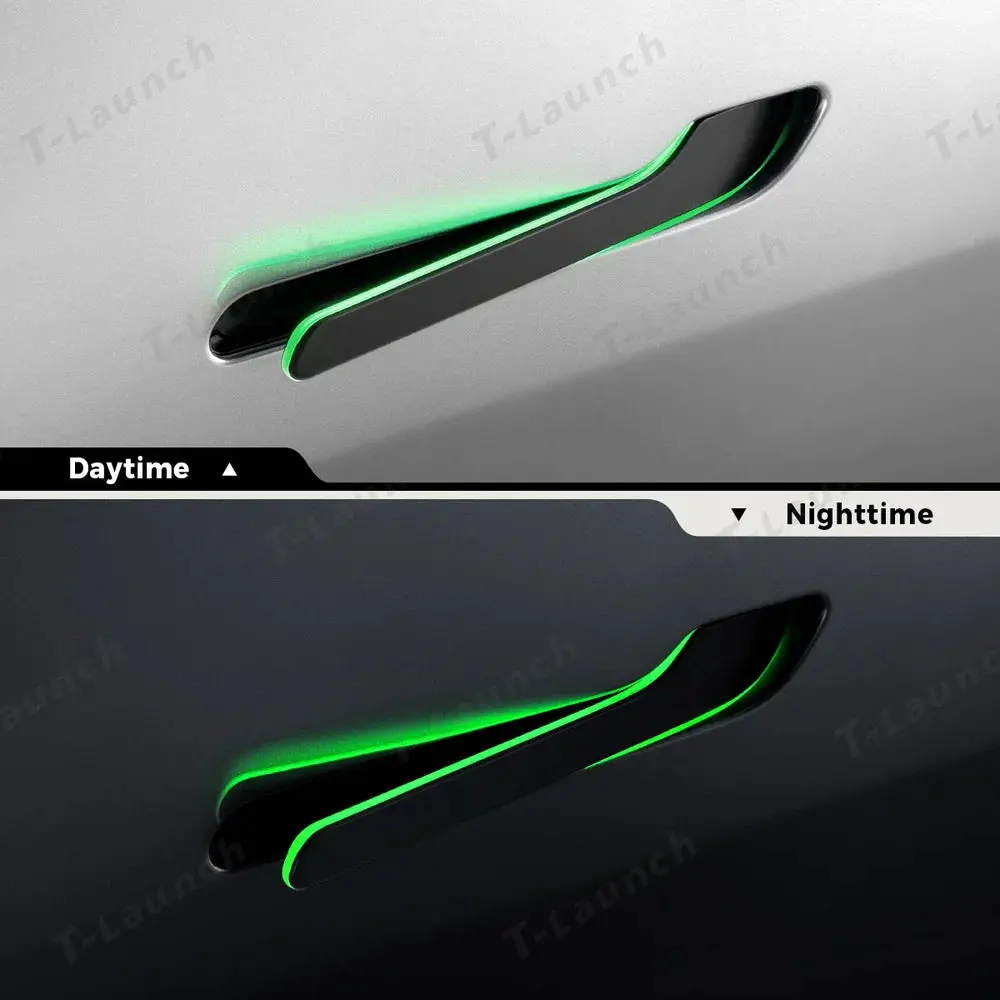
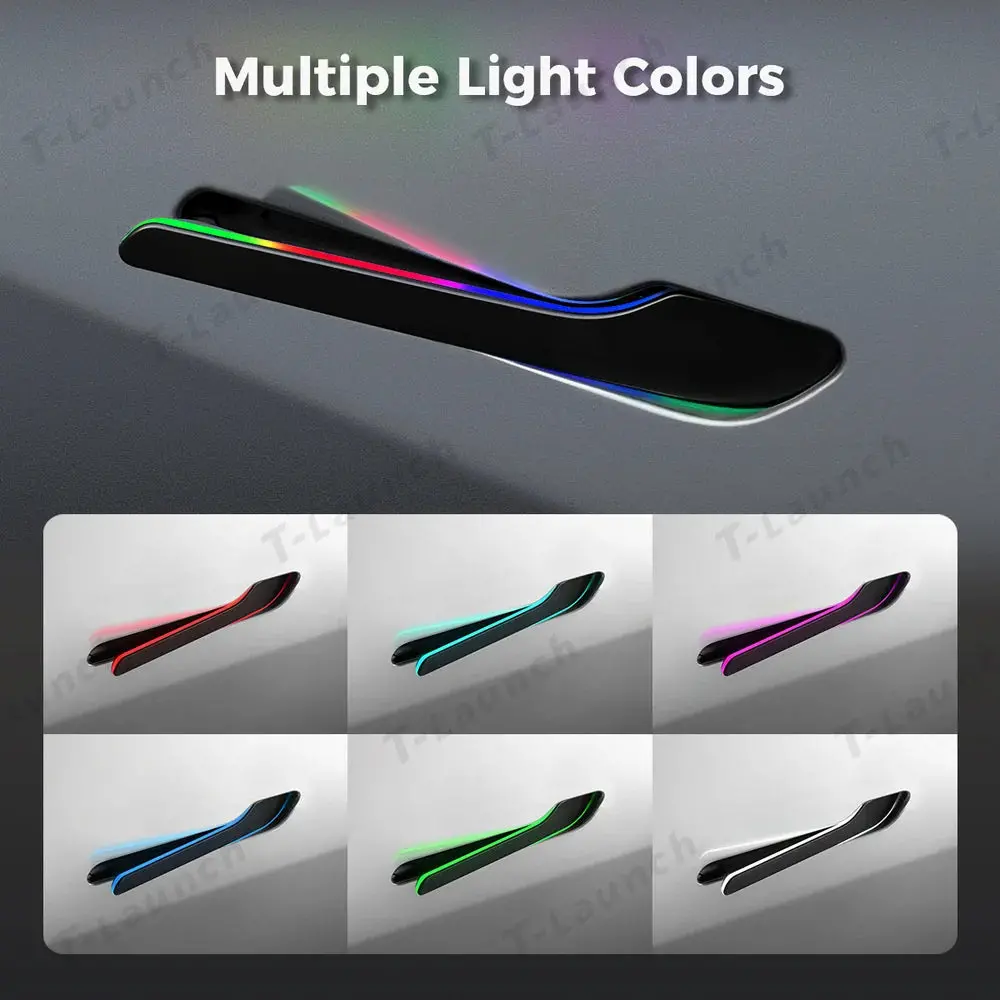
- Customizable Multi-Color Ambient Lighting: Enhance your Tesla’s appearance with vibrant multi-color LED lighting. The dynamic glow adds a striking visual upgrade, allowing you to personalize your vehicle’s style with ease.
- Seamless Compatibility & Premium Design: Designed specifically for Tesla Model 3/Y (2021–2025), the handles integrate smoothly with the car’s design, offering a refined, OEM-like appearance that elevates the overall look.
- All-Weather Durability: With IP65 waterproof protection and over 100,000 open/close cycles tested, the handles deliver reliable performance in rain, snow, humidity, and harsh climates.
- Easy Installation with Full Support: No wiring or interior modifications required. Installs using original screws and cables, with step-by-step videos and 24/7 support for a DIY-friendly upgrade.
Unlocking Functions Explained:
- Phone Unlock: Unlock the handles directly through the mobile app.
- Approach Auto Pop-Out: The handles automatically pop out when you approach the car with your phone linked to your Tesla through the Tesla App.
- Touch to Unlock: Tap the handle to activate the mechanism instantly.
- Key Card Unlock: Hold the key card near the B-pillar sensor area to unlock.
- In-Car Unlock (P / Screen):
Press P (Model 3 2022–2023 / Model Y 2022–2024)
Tap the lock icon on the center screen (Model 3 Highland / Model Y Juniper) - Key Fob Unlock: Unlock the doors using your original Tesla key fob button.

LED Color Switching Guide:
- Model 3 2022–2023 / Model Y 2022–2024: Press and hold the P button for about 3 seconds until you hear a beep → set the color.
- Model 3 Highland / Model Y Juniper: Press and hold the right steering wheel scroll button for about 3 seconds until you hear a beep → set the color.

Installation Manual:
For Model 3 Highland 2024+: [View full instructions here]
For Model Y Juniper 2026: [View full instructions here]
Customer support available anytime at support@teslaunch.net
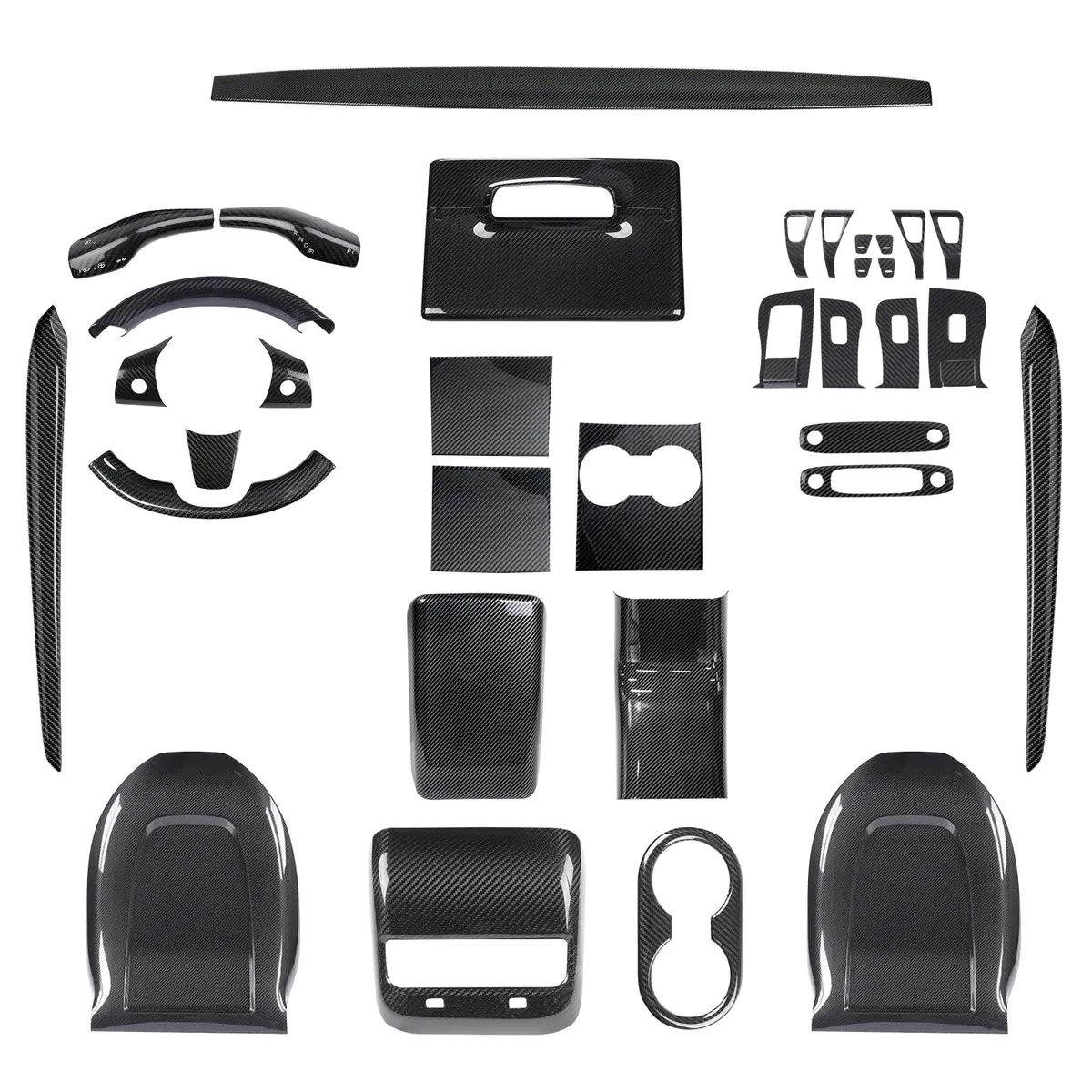
Explore more from our collection.

Reviews
There are no reviews yet.